A blank page can feel like a white wall. You know you need to paint something honest on it, but the first stroke is always the hardest.
That’s why article writing templates for Word and Google Docs matter. Not because they “fix” writing, but because they remove friction. They give your thoughts a path to walk on, so you can spend your energy on truth, clarity, and voice instead of spacing, headings, and where the sources should go.
Below are practical, copy-and-paste-friendly structures you can reuse for Medium posts, newsletters, reports, and advocacy writing (including climate and social issues). Use them from India, for the world, because good structure travels well.
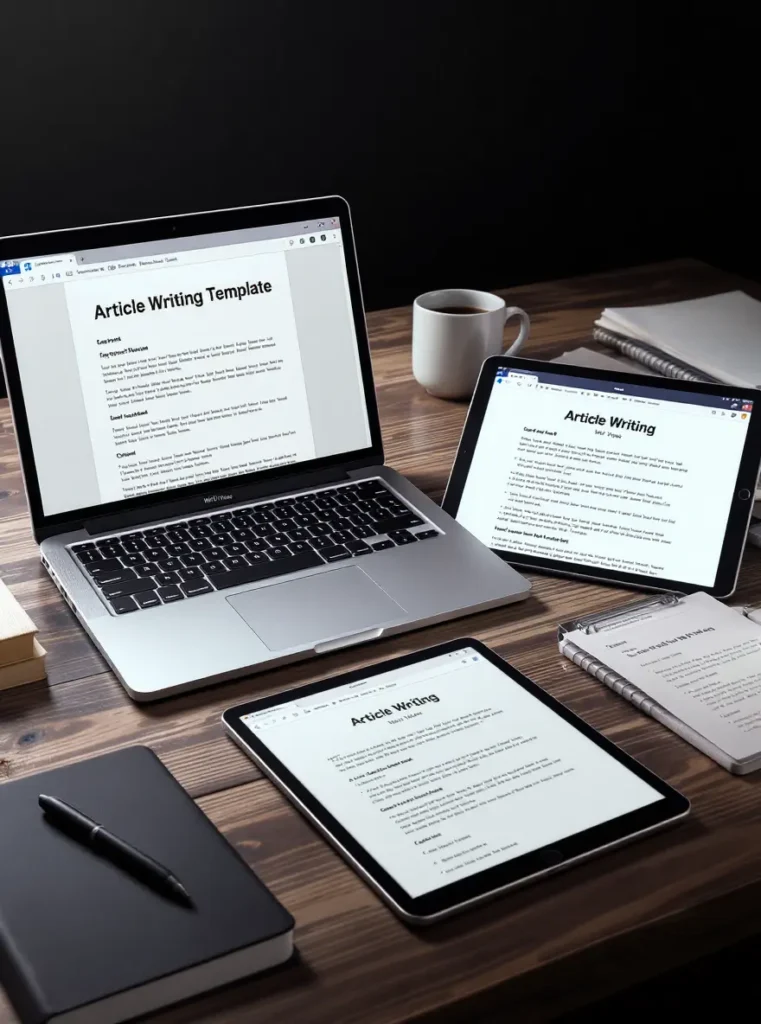
What makes a good article template in Word or Google Docs?
A template isn’t just a stack of headings. A good template is a repeatable way of thinking. It helps you lead a reader from “Why should I care?” to “What should I do now?” without losing them in the middle.
Here’s a quick checklist before you choose or build one:
- Purpose is clear: explain, persuade, report, or tell a story.
- Reader gets a promise early: what they’ll learn or decide.
- Claims have proof: data, quotes, lived experience, and links.
- Skimmable layout: headings that say something real, not “Section 1”.
- A clean ending: takeaway plus a next step (even if it’s just reflection).
- Reusable parts: a “Sources” block, an author bio, and a call to action.
If your template doesn’t reduce decision fatigue, it’s decoration, not a tool.
The must-have blocks: title, hook, context, evidence, takeaway, next step
Think of these blocks as pillars. Remove one, and the roof starts to sag.
- Title: makes a clear claim or promise, not a vague vibe.
- Hook: earns attention in 2 to 4 sentences (a sharp fact, a scene, a tension).
- Context: what’s going on, who’s affected, what’s at stake.
- Evidence: data, links, quotes, or examples (label what’s fact and what’s view).
- Takeaway: the one thing you want the reader to remember tomorrow.
- Next step: a small action, a policy ask, a resource, or a question to sit with.
Place data and quotes where they support your point, not where they interrupt it. Links work best right after the sentence they strengthen. End with a short call to action that fits the platform (Medium, LinkedIn, newsletters, school, or work docs).
Formatting that makes articles easier to skim (headings, spacing, links, images)
Most readers don’t read first, they scan first. Your formatting should respect that.
- Short paragraphs: 1 to 3 sentences is often enough.
- Clear H2 and H3 headings: they should tell the story by themselves.
- Bullets only when helpful: lists are great for steps, not for padding.
- Bold key terms: a few words, not whole lines.
- Images with captions: place images near the point they explain, add a one-line caption that adds meaning.
- Accessibility basics: use readable fonts, keep contrast strong, and write meaningful link text (not “here”).
In Word and Google Docs, consistency comes from using built-in heading styles, not manual font tweaks. It’s the difference between a tidy cupboard and a pile you keep re-stacking.
Copy and paste article writing templates you can use today
Each template below is a structure you can drop into Word or Google Docs and fill in. Keep the headings as scaffolding, then adjust once you’ve written a few pieces and learned what your readers actually finish.
The clear explainer template (best for climate and public health topics)
Use this when the topic has confusion, misinformation, or complex trade-offs.
Sections to include:
- Headline
- One-sentence summary (what this article proves or explains)
- Why this matters (in human terms)
- The problem (what’s happening, where, to whom)
- The causes (what drives it, what sustains it)
- What the data shows (2 to 3 key points)
- What people get wrong (myths, missing context, bad incentives)
- Solutions and trade-offs (what helps, what it costs, who pays)
- What you can do next (personal, community, policy, workplace)
- Sources (links, reports, studies, interviews)
Note: define jargon the first time you use it. Keep numbers relatable (for example, compare a figure to a city, a month, a household bill, or a bus route, anything a reader can picture).
The argument or opinion template (claim, reasons, evidence, counterpoint)
Use this when you’re making a moral or civic case, like pollution policy, rights, democracy, or climate justice.
Sections to include:
- Hook (a tension, a contradiction, a moment)
- Your thesis (one clear sentence)
- Reason 1 (plus a stat, example, or story)
- Reason 2 (plus a stat, example, or story)
- Reason 3 (plus a stat, example, or story)
- A fair counterargument (state it cleanly, don’t mock it)
- Your response (use evidence, show trade-offs)
- What should change (policy, business practice, or personal behaviour)
- Closing paragraph (challenge the reader, name the cost of doing nothing)
Reminder: separate facts from opinions clearly. Readers can handle strong views, they can’t handle blurred lines.
The story-led template (narrative opening that still stays factual)
Use this when the issue is abstract, but you can ground it in a real moment. Climate and social issues need this, because harm often hides behind paperwork.
Sections to include:
- Scene or personal moment (keep it tight, 150 to 250 words)
- The bigger issue (zoom out, name the pattern)
- What changed your mind (a detail, a statistic, a conversation)
- The key facts (what we know, what we don’t)
- The human impact (who pays first, who pays most)
- What the system rewards (money, status, convenience, silence)
- What needs to shift (rules, incentives, norms)
- A hopeful but realistic ending (hope with homework)
Guidance: the story is the doorway, not the whole house. Link it back to evidence, or it turns into a diary entry with no civic weight.
The interview or Q and A template (for experts, activists, founders)
Use this for expert voices, organisers, researchers, founders, or community leaders. It works well for newsletters and Medium.
Sections to include:
- Who this is and why they matter
- Quick background (2 to 4 lines)
- 6 to 10 questions, grouped by theme (context, problem, solutions, personal)
- Standout quotes (2 to 4)
- Key lessons (what readers should take away)
- Where to follow or learn more (links and handles)
Reminder: get permission for quotes. Edit for clarity, not for spin. Keep the meaning intact, even when tightening the language.
The list-style template (useful, searchable, and easy to share)
Use this when you want reach without watering down the message. Lists can carry serious ideas if each item earns its place.
Sections to include:
- Promise in the intro (what the reader will walk away with)
- Who this is for (one line)
- List items, each with the same pattern:
- What it is
- Why it matters
- Quick example
- Common mistake
- Short conclusion (what to do next)
Tip: avoid filler items. If two points feel similar, merge them and go deeper.
Where to find free article templates for Word and Google Docs (and how to customise fast)
You can build templates from scratch, but starting with a free base saves time. The trick is picking a clean design you can edit without fighting it.
Free template sources worth using in 2025: TheGoodocs, Template.net, and Microsoft Word templates
- TheGoodocs: A strong library of free article templates in Google Docs and Microsoft Word with lots of styles (magazine, interview, history, and more).
- Template.net: Useful when you want editable layouts you can download and export. Start with an Article Writing Template in Word and Google Docs and adjust from there.
- Microsoft Word templates: Best for simple, clean starts inside Word, especially for reports and school or work writing. Microsoft’s own template hub sits under Microsoft Create (Word templates).
Before you publish, check the licence terms. Some templates are free with conditions, like attribution, while others are free for personal use only.
Customise a template without breaking it (styles, headings, and reusable blocks)
If you change formatting the wrong way, your document turns into a patchwork quilt. Use Styles instead.
- In Word, modify “Normal”, “Heading 1”, “Heading 2”, and “Heading 3” so the whole doc updates at once.
- In Google Docs, update the heading style (and apply it across the doc) so spacing and fonts stay consistent.
- Create reusable blocks you can paste into any draft: Author bio, Sources, and a Call to action.
- For longer pieces, add a table of contents using heading styles, it makes your work feel serious and easy to move through.
A good template should feel like a quiet editor sitting beside you. It doesn’t write for you. It keeps you honest.
Conclusion
Writing is hard because thinking is hard. Templates don’t remove the work, they remove the drag. They help you publish with fewer mistakes, more clarity, and a voice that stays consistent across platforms.
Pick one template from this list, use it for three articles, then refine it based on what readers respond to. Save a Google Docs version and a Word version, then build a small personal library for explainers, arguments, stories, and interviews. Over time, your template becomes your backbone, and your backbone frees you to tell braver truths.

Saket Sambhav is the founder of WriteToWin, India’s premier environmental writing competition for school students. A legal professional and DBA candidate in sustainability, he launched WriteToWin to shift generational mindsets – empowering students to make conscious choices and protect the planet. He also mentors young eco-entrepreneurs, nurturing the next wave of climate leaders.